Creating an Immersive Viewing Experience: The Role of Screen Technology
Entertainment Is Entering an Immersive Era
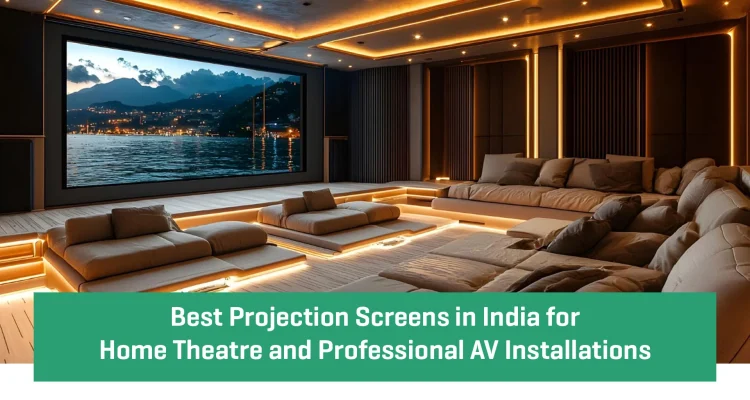
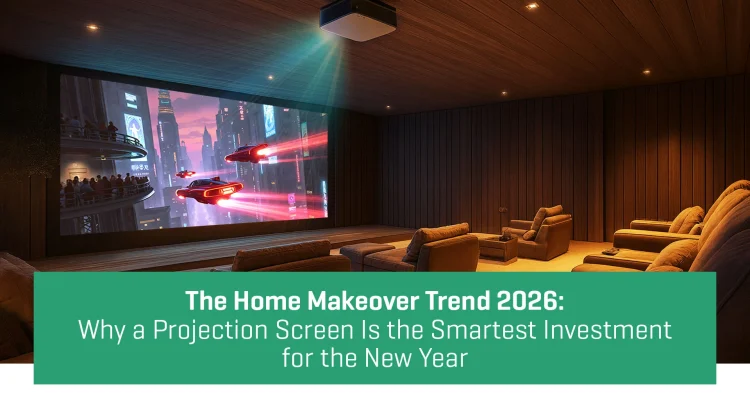
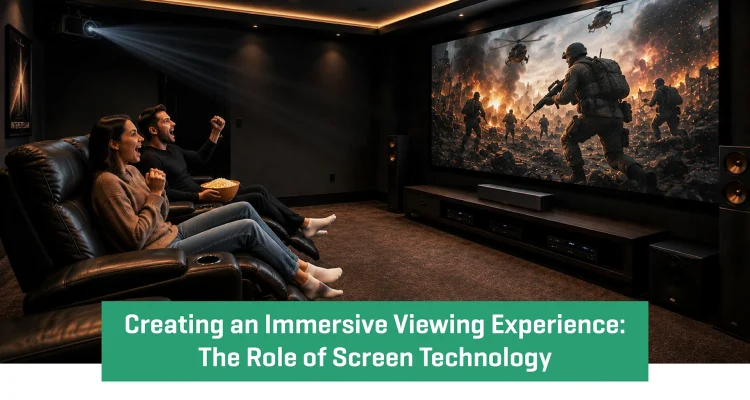
The way people experience entertainment is rapidly changing. From ultra-short-throw laser projectors to cinematic surround sound systems, modern homes are being designed around immersive viewing experiences rather than traditional television setups. Industry trends in 2026 show a growing demand for larger screens, smarter projection systems, and luxury home cinema environments.
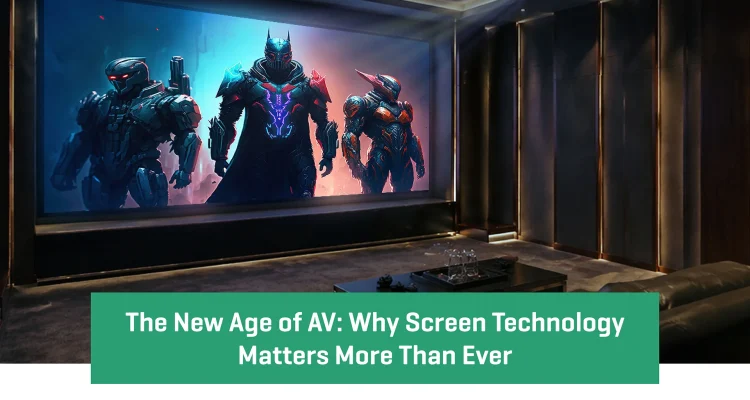
While projectors and audio systems often receive most of the attention, one component plays a defining role in the overall experience — the screen.
Today, screen technology has evolved far beyond a simple projection surface. It has become a critical factor in determining picture quality, viewing comfort, and cinematic realism.
Why the Screen Matters More Than Ever
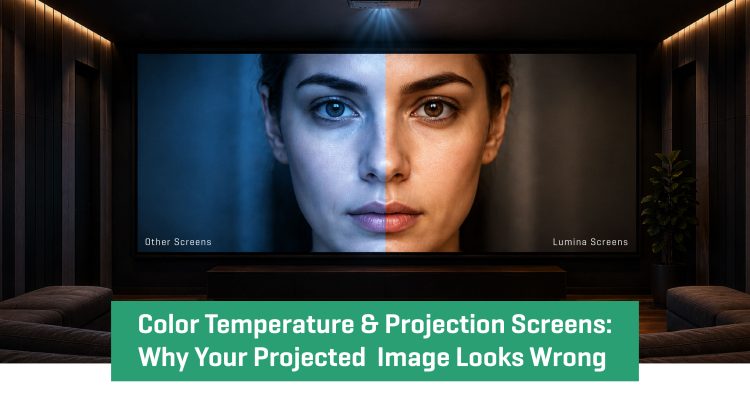
A common misconception is that a high-end projector alone can create a great cinematic experience. In reality, the screen directly affects how visuals are perceived.
The right screen enhances:
- Contrast and black levels
- Color accuracy
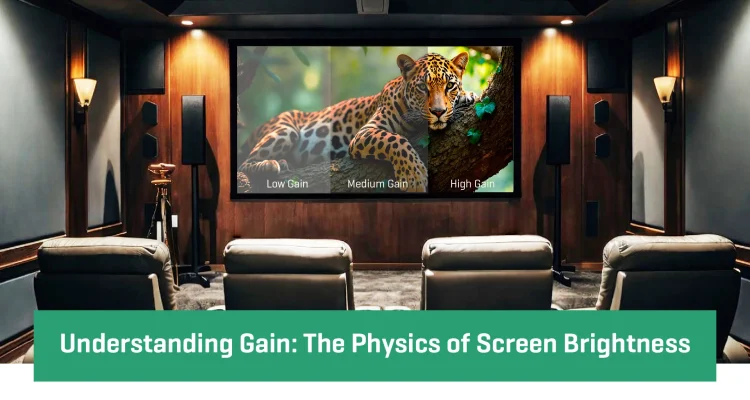
- Brightness perception
- Viewing angles
- Overall image clarity
As projection technology advances, screens are now engineered to maximize the performance of modern 4K, HDR, and laser projection systems.
Without the right screen, even premium projectors can fail to deliver their full potential.
The Rise of Ambient Light Rejection (ALR) Technology
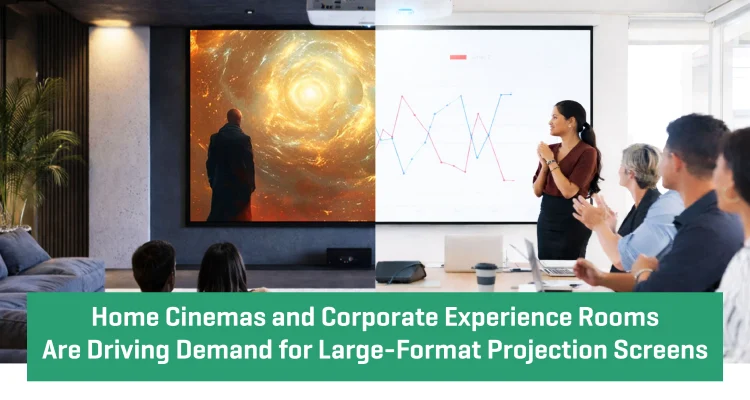
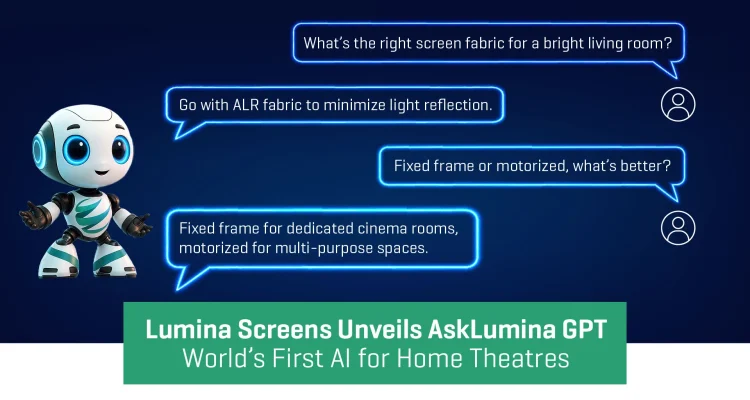
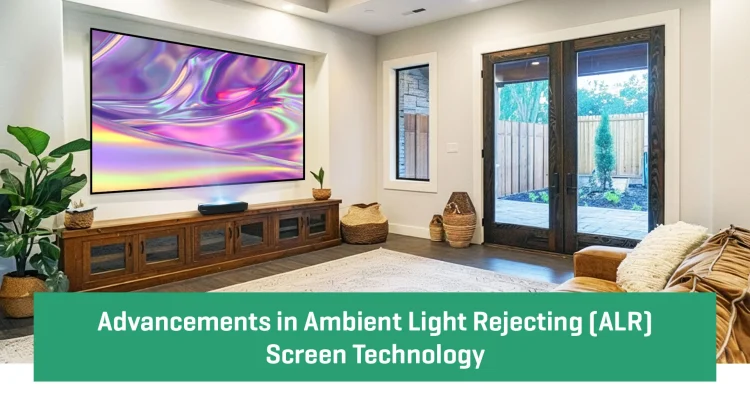
Modern homes are brighter, more open, and designed with natural light in mind. Traditional projection surfaces often struggle in these environments, leading to washed-out visuals and reduced contrast.
This is where Ambient Light Rejection (ALR) technology has transformed the industry.
ALR screens are designed to minimize the impact of surrounding light while maintaining image depth and sharpness. This makes them ideal for:
- Luxury living rooms
- Media lounges
- Multi-purpose entertainment spaces
As large-format viewing becomes more common in modern interiors, ALR technology is quickly becoming essential for premium home entertainment setups.
Acoustic Transparent Screens Bring Cinema Home
Another major trend shaping immersive entertainment is acoustic transparent screen technology.
Inspired by commercial cinema design, these screens allow speakers to be placed behind the projection surface. The result is a more realistic audio experience where sound appears to come directly from the visuals on screen.
This creates:
- Better sound positioning
- Cleaner interior aesthetics
- Enhanced cinematic immersion
Advanced micro-perforated screen materials now make it possible to combine high-quality visuals with seamless sound integration without compromising performance.
Ultra-Short-Throw Projectors Are Changing Screen Requirements
The growing popularity of ultra-short-throw (UST) projectors has also increased the importance of specialized screen technology.
UST projectors can create large-scale visuals from a very short distance, making them perfect for urban homes and compact entertainment spaces. However, these systems require precision-engineered screens to maintain clarity, contrast, and controlled light reflection.
This industry shift has created a demand for screens specifically designed to support modern projection technologies and viewing environments.
The Future of Viewing Is Experience-Driven
Entertainment spaces today are no longer designed around equipment alone — they are designed around experience.
This is where premium projection solutions from Lumina Screens help bring together technology, performance, and design. From acoustic transparent materials to advanced screen surfaces, modern screen innovations are redefining how audiences experience content.
As immersive entertainment continues to evolve, one thing is becoming increasingly clear: the screen is no longer just an accessory.
It is the foundation of the viewing experience.
What is an immersive viewing experience?
An immersive viewing experience combines high-quality visuals, sound, and screen technology to create a cinema-like environment at home.
Why is screen technology important in home theaters?
Screen technology affects contrast, brightness, viewing angles, and overall image quality, making it essential for cinematic performance.
What is an ALR screen?
An Ambient Light Rejection (ALR) screen reduces the impact of surrounding light to improve picture clarity and contrast.
Are acoustic transparent screens worth it?
Yes. Acoustic transparent screens allow speakers to be placed behind the screen, creating more realistic sound positioning and cleaner aesthetics.
Which screen is best for ultra-short-throw projectors?
UST projectors work best with specially engineered projection screens designed for controlled light reflection and sharper visuals.
- Date - May 19, 2026