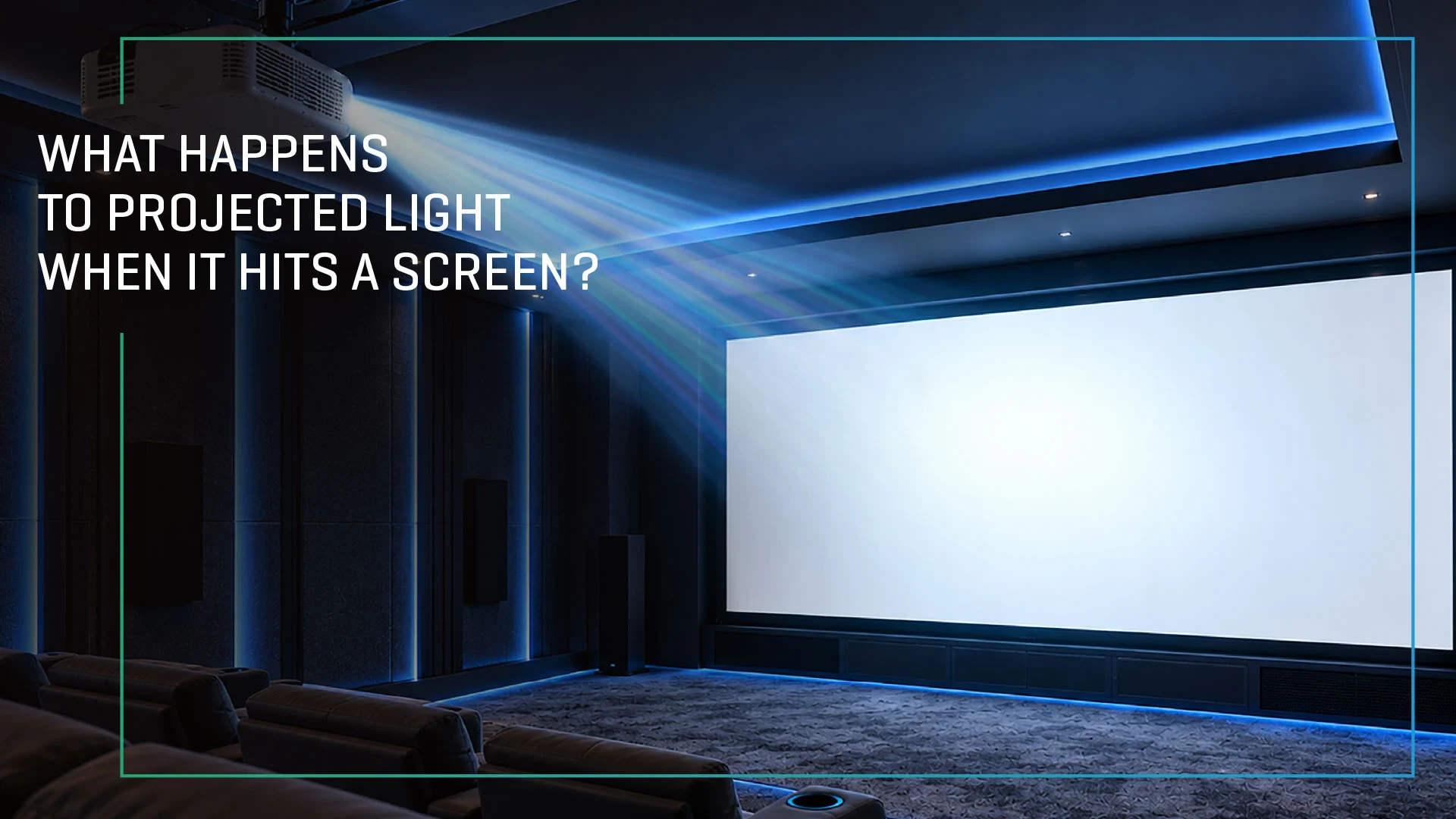
When you think about a projector, it is easy to assume that the projector itself determines the quality of the image you see. But there is another critical part of the equation: the projection screen.
A projector produces light, but the screen determines how that light is reflected, distributed and perceived by the viewer.
The moment projected light reaches a screen, several things happen. The screen surface interacts with the light based on its material, texture, optical properties and design. These characteristics influence brightness, contrast, colour reproduction, viewing angles and overall image quality.
So, what exactly happens when projected light hits a screen?
Let’s break it down.
1. The Projector Creates and Directs Light
The journey begins inside the projector.
A projector generates light using its light source and processes that light to create the image. The resulting image is projected through the lens and travels toward the screen as a beam of light.
Unlike a television, where every pixel produces light directly toward the viewer, a projector relies on a separate surface to reflect the image back into the viewing environment.
This makes the screen an active part of the visual experience—not simply a surface on which an image is displayed.
2. The Screen Receives the Projected Light
When the projected light reaches the screen, the screen surface interacts with it.
A basic white projection screen is designed to reflect light back toward the viewing area while maintaining relatively uniform brightness across the image.
However, not all screen surfaces behave in exactly the same way.
The optical properties of the screen determine how much light is reflected toward the audience, how evenly it is distributed and how the image looks from different seating positions.
This is where screen gain becomes important.
3. What Is Screen Gain?
Screen gain describes how much light a screen reflects toward the viewer compared with a standard reference surface.
A higher-gain screen can direct more reflected light toward the central viewing area, which can make the image appear brighter from certain seating positions.
A lower-gain or more diffuse surface tends to distribute reflected light more evenly across a wider viewing area.
Importantly, higher gain does not automatically mean better image quality.
The right gain depends on factors such as:
- Projector brightness
- Screen size
- Room dimensions
- Ambient light
- Seating arrangement
- Viewing distance
- Screen surface technology
The goal is to achieve the right balance between brightness, uniformity and viewing angle.
4. Not All Light Travels in the Same Direction
One of the most important characteristics of a projection screen is how it distributes reflected light.
Imagine shining a torch onto a wall. Depending on the surface, the reflected light may spread in many directions or be concentrated more strongly in particular directions.
Projection screens work in a similar way.
A highly diffuse screen spreads reflected light across a broad viewing area. Optical screen surfaces, meanwhile, can be engineered to control the direction in which light is reflected.
This affects the viewing angle—the range of seating positions from which viewers can experience consistent brightness.
For a home theatre, this matters because not everyone necessarily sits directly in front of the centre of the screen.
5. Screen Surface Affects Brightness
The same projector can appear to produce different levels of perceived brightness depending on the screen it is paired with.
This is because the screen determines how efficiently the projected light is reflected toward the audience.
A suitable screen can help make better use of the projector’s available light, particularly when the screen size, viewing distance and room conditions are carefully considered.
However, brightness needs to be balanced with uniformity.
If too much light is directed toward the central viewing position, viewers sitting toward the sides may experience a noticeable reduction in brightness. This can create an uneven image.
That is why brightness uniformity is just as important as brightness itself.
6. What Happens to Colour?
A projection screen does not create colour. The projector does that.
But the screen can influence how accurately those colours are perceived.
The surface of a screen interacts with the different wavelengths of light arriving from the projector. Its optical characteristics can therefore influence colour neutrality, perceived saturation and overall image appearance.
A well-designed projection surface aims to reflect the projected image without introducing unwanted colour shifts.
For home cinema, this is particularly important because accurate colour reproduction contributes significantly to a natural and immersive viewing experience.
7. Contrast Depends on More Than the Projector
Contrast is another area where the screen plays an important role.
In a controlled, dark room, a suitable projection screen can help the image maintain strong separation between bright and dark areas.
But in rooms where ambient light is present, unwanted light can reach the screen and reduce perceived contrast.
This is where Ambient Light Rejecting (ALR) screens can make a significant difference.
ALR screens are engineered with optical surfaces designed to reflect light from the projector toward the intended viewing area while reducing the impact of certain unwanted ambient-light sources.
This can help maintain image visibility and perceived contrast in environments that are not completely dark.
8. Why ALR Screens Behave Differently
A conventional white screen generally reflects projected and ambient light in a relatively broad manner.
An ALR screen takes a more controlled approach.
Its optical structure is designed to favour light arriving from the projector while reducing the amount of unwanted ambient light reaching the viewer.
This makes ALR technology particularly useful for modern living spaces, where completely controlling the room’s lighting may not always be practical.
However, ALR screens are not one-size-fits-all solutions. Their performance depends on the screen design, projector placement, room lighting and viewing geometry.
The relationship between projector, screen and viewer therefore becomes especially important.
9. The Screen and Projector Must Work Together
Think of projection as a four-part system:
Projector → Screen → Viewing Environment → Viewer
Each element plays an important role in the final viewing experience.
The Projector: Determines how the image is generated and how much light is available.
The Screen: Determines how that light is reflected and distributed.
The Viewing Environment: Influences how ambient light, room conditions and seating positions affect the final image.
The Viewer: Ultimately perceives the combined result.
This is why choosing a projector without considering the screen can lead to an incomplete projection solution.
A high-performance projector paired with an unsuitable screen may not deliver the experience its specifications suggest.
Similarly, the right screen can help a projector perform more effectively within the conditions of a particular room.
10. Why Screen Selection Matters
There is no single projection screen that is ideal for every room.
A dedicated dark home theatre may benefit from a different screen surface than a bright living room.
A large screen may require different considerations from a smaller installation. Similarly, a room with wide seating may require a different viewing-angle performance than a room with centrally aligned seating.
Before choosing a screen, it is worth considering:
Room Lighting: How much natural or artificial light enters the room?
Projector: What is its brightness, throw distance and projection technology?
Screen Size: How large is the intended image?
Seating: Where will viewers sit relative to the centre of the screen?
Content: Will the screen primarily be used for movies, sports, gaming or mixed content?
Room Design: Can ambient light be controlled?
These factors help determine the screen surface and optical characteristics that make the most sense for the installation.
From Projected Light to the Big-Screen Experience
Projected light may begin its journey inside the projector, but the final visual experience is shaped by what happens when that light reaches the screen.
The screen influences how much light reaches the viewer, where that light is distributed, how consistently brightness is maintained and how colours and contrast are perceived.
Understanding this relationship makes one thing clear:
A projection system is only as effective as the relationship between its projector, screen and viewing environment.
At Lumina Screens, projection surfaces are designed with this relationship in mind—helping transform projected light into a more immersive, engaging and cinema-like viewing experience at home.
Frequently Asked Questions
Q: Does a projector screen really make a difference?
Yes. A projection screen is designed to control and distribute projected light in ways that a typical wall cannot. Screen characteristics such as gain, viewing angle, uniformity and surface technology can significantly influence perceived image quality.
Q: What does screen gain mean?
Screen gain indicates how much light a screen reflects toward the viewer compared with a standard reference surface. Different gain levels can influence perceived brightness and viewing-angle performance.
Q: Is a higher-gain screen always better?
No. Higher gain can provide greater perceived brightness in the intended viewing direction, but excessive gain can affect viewing-angle performance and brightness uniformity. The appropriate gain depends on the projector, room and seating arrangement.
Q: What is an ALR projection screen?
An Ambient Light Rejecting (ALR) screen uses an optical surface designed to favour projected light while reducing the impact of certain ambient-light sources. It can be particularly useful in rooms where controlling ambient light is difficult.
Q: Can the same projector look different on different screens?
Yes. Different screen surfaces can reflect and distribute the projector’s light differently, affecting perceived brightness, uniformity, contrast and colour.
Q: What is the best screen for a home theatre?
The ideal screen depends on the room, projector, screen size, seating arrangement and ambient-light conditions. A properly matched screen can help the projector deliver a more effective and immersive viewing experience.
- Date - November 17, 2026