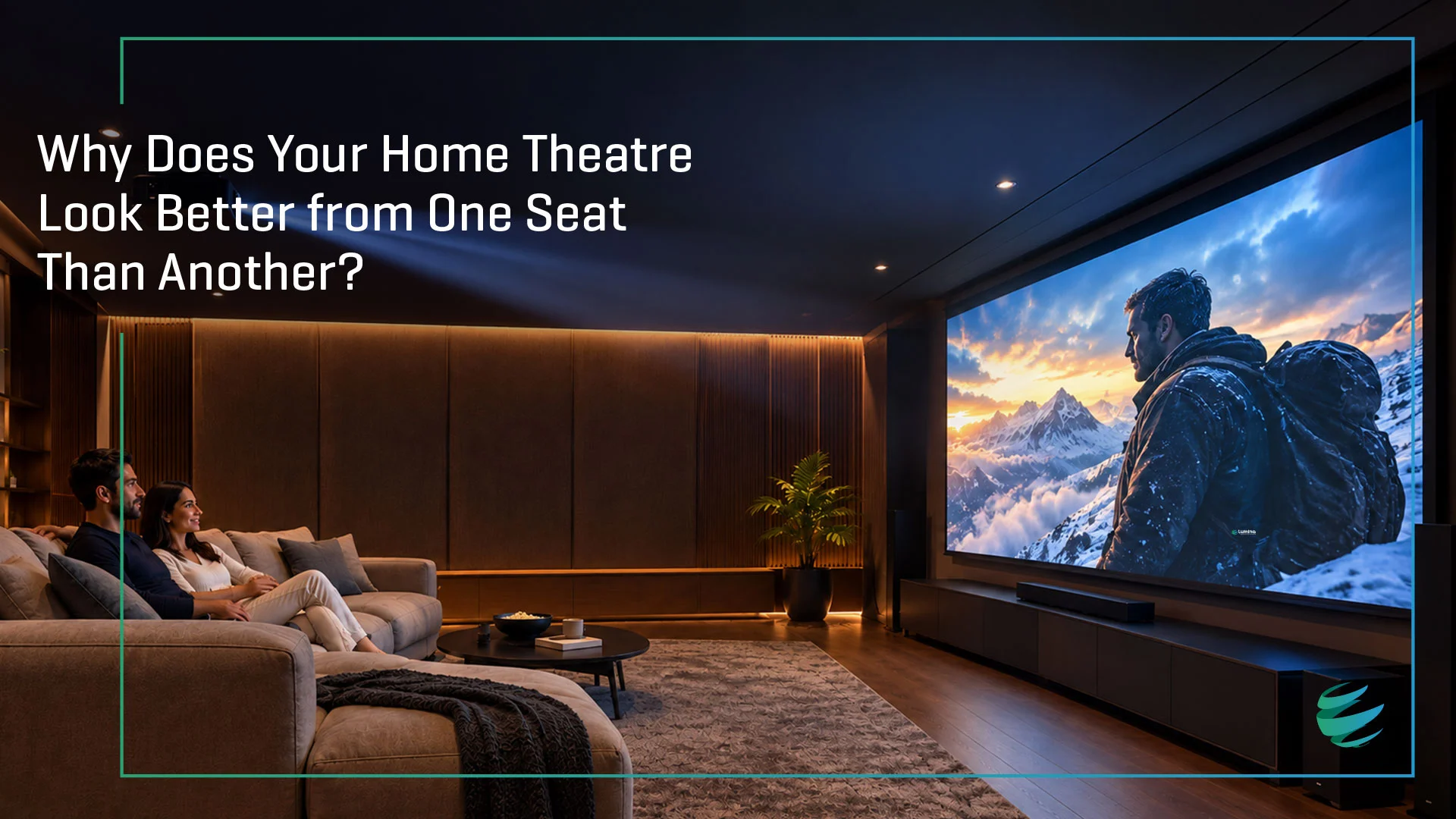
You’ve invested in a projector, chosen the right screen size, installed a powerful sound system, and created a dedicated space for movie nights. But then someone sits in the corner seat and says:
“Why does the picture look different from here?”
The image may appear brighter from one seat, slightly darker from another, or even seem to have different contrast and colour depending on where you are sitting.
This is not necessarily a problem with your projector.
In many cases, the difference comes down to how the projection screen reflects light.
The screen is not simply a surface for the projector to display an image. Its material, gain, optical structure and viewing angle can have a significant impact on how consistently the image looks across different seats.
So, why does your home theatre sometimes have a “sweet spot”? And more importantly, how can you make the experience more consistent for everyone?
1. The Screen Does More Than Display the Image
A projector sends light towards the screen, and the screen reflects that light towards the viewer.
The way that light is reflected depends on the screen material.
A screen with a highly directional reflective characteristic can send more of the projector’s light towards viewers sitting close to the centre axis. Move towards the side, and the reflected light reaching your eyes can decrease.
This is why the centre seat can sometimes appear noticeably brighter than a seat positioned further to the left or right.
Screen gain is one of the specifications that helps describe this behaviour. A higher-gain screen can provide greater perceived brightness when viewed near its optimum axis, but the viewing window can become narrower depending on the screen’s optical characteristics.
In contrast, a screen designed to distribute light more evenly can provide a more consistent image across a wider seating area.
2. What Is the “Sweet Spot”?
The “sweet spot” is essentially the position from which the projected image appears at its optimal brightness and uniformity.
Every projection screen has a relationship between its peak brightness and viewing angle.
When you sit directly in front of the screen, along the projector’s central viewing axis, you are generally closest to the screen’s peak-gain position.
As you move sideways, the amount of reflected light reaching you can change.
This is measured using a concept called the half-gain viewing angle — the angle at which the image appears approximately half as bright as it does from the centre viewing position.
That means a screen with a narrower viewing cone can make the centre seats look excellent while producing a visibly different experience for people sitting towards the sides.
For a home theatre with one or two viewers sitting centrally, this may not be a major concern.
For a family room, larger home theatre or multiple rows of seating, it becomes much more important.
3. Higher Gain Doesn’t Automatically Mean a Better Screen
It can be tempting to look at a higher gain specification and assume that more gain equals a better viewing experience.
But gain involves a trade-off.
A higher-gain screen can increase perceived brightness around the central viewing position. However, depending on the screen’s optical design, light may be distributed less evenly towards wider viewing angles.
This can result in:
• A brighter centre position
• Reduced brightness from side seats
• Differences in screen uniformity
• Potential hot-spotting — a visible bright area caused by uneven screen reflection
• A narrower optimal viewing area
The goal, therefore, isn’t simply to find the screen with the highest gain.
The goal is to find the right balance between brightness, viewing angle, uniformity, projector output and room conditions.
4. Your Seating Arrangement Matters
The screen should always be selected with the entire room in mind.
Imagine a 5-seat home theatre.
If all five seats are positioned relatively close to the centre viewing axis, a screen with a more directional optical characteristic may work well.
Now imagine the same screen installed in a wider living room where two viewers are sitting significantly off-axis.
The centre viewer may see a bright, vibrant image while the viewers on the extreme sides see something noticeably different.
This is why the number of viewers and seating layout should be considered when selecting a projection screen.
A technically impressive screen can still be the wrong choice if its optical characteristics don’t match the way the room is actually going to be used.
5. Ambient Light Can Make the Difference Even More Noticeable
Viewing angle isn’t the only factor.
Ambient light can also affect the way your home theatre image looks.
Light entering through windows, ceiling fixtures or other sources can wash out blacks, reduce perceived contrast and make colours appear less vivid.
This is where Ambient Light Rejecting (ALR) screens can become particularly useful.
ALR screens are engineered to control how different sources of light interact with the screen. Their optical structures are designed to favour projected light while reducing the impact of unwanted ambient light. Lumina’s Leor 1.2, Leor 1.5 and Leor Black are relevant ALR options when ambient light is part of the viewing environment.
CLR is the variant designed for UST projection, using a surface designed to reject light from above, such as ceiling lights, while reflecting projector light towards the viewer.
However, ALR screens aren’t all designed in the same way.
Their performance depends on the optical structure, projector type, installation geometry, gain and viewing characteristics.
That’s why the screen needs to be matched to the projector and the room rather than selected solely because it is labelled “ALR.”
6. UST Projectors Make Screen Selection Even More Important
Ultra-short-throw projectors are a great example of why screen and projector compatibility matter.
A UST projector sends light towards the screen at a much steeper angle than a conventional projector.
A conventional screen surface may not be designed to handle this type of projection effectively.
The result can include:
• Uneven brightness
• Hot-spotting
• Poor uniformity
• Reduced contrast
• Differences in image quality across the screen
UST-compatible screens use optical structures designed specifically for the geometry of ultra-short-throw projection.
For example, Lumina’s Leor UST is designed specifically for UST projection, using a specialised optical surface structure and CLR (Ceiling Light Rejecting) characteristics. CLR is designed to reject light from above, such as ceiling lights, while reflecting projector light towards the viewer. With a gain of 0.55 and a half-viewing angle of 70°, it is designed for rooms where viewers may be positioned across a broad seating area.
A lower gain is expected with many ALR/CLR surfaces because some projected light is traded for ambient-light control, so projector brightness should be considered when selecting the screen.
7. Projector Alignment Can Also Affect Uniformity
Sometimes the screen isn’t the only variable.
The projector’s position relative to the screen matters too.
If the projector is not correctly aligned with the screen, the image can exhibit differences in brightness and uniformity.
This becomes especially important with optical screens that have more directional characteristics.
Projector placement, throw distance, lens shift, screen height and viewing position should therefore be considered together. A fixed-frame installation can also help maintain a flat, uniform screen surface, which is important for consistent image geometry.
A well-designed home theatre is not about selecting individual components in isolation.
It is about getting the projector + screen + room + seating geometry to work as one system. For home theatres where speakers are positioned behind the screen, an acoustically transparent screen such as Accupix Pro can help maintain the intended speaker placement without visually separating the sound and picture.
8. What Should You Look for in a Home Theatre Screen?
Before selecting a screen, ask yourself a few simple questions:
How many people will regularly watch?
If your home theatre is primarily for one or two centrally seated viewers, your requirements may be different from a room designed for a large family or multiple rows.
How wide is your seating arrangement?
The wider the seating positions, the more important viewing angle and brightness uniformity become.
How much ambient light is present?
A dedicated dark room may allow you to consider different screen surfaces from a living room with windows and uncontrolled lighting.
Which projector are you using?
A conventional long-throw projector and a UST projector require different considerations when it comes to screen surface and optical characteristics.
How important is image uniformity?
If you want every seat to deliver a similar experience, don’t look only at peak brightness. Look at the screen’s viewing angle, gain characteristics and brightness uniformity as well.
9. The Right Screen Can Make Every Seat Feel Like the Right Seat
A great home theatre isn’t about creating one perfect seat.
It is about creating an experience that works for the people actually using the room.
That means choosing a screen based on more than size or gain.
The right projection surface should complement:
Your projector.
Your room.
Your lighting.
Your seating.
Your viewing habits.
In a controlled dark room, a standard non-ALR screen is often sufficient. The benefits of ALR become more relevant as ambient light increases.
For ambient-light environments with a conventional projector, choose between Leor 1.2, Leor 1.5 and Leor Black. With a UST projector, look at Leor UST, which is designed as a CLR screen.
The screen should always be matched to the projector and room, including the projector type, brightness, throw geometry and lighting conditions.
Half-viewing angle by screen:
When a home theatre is properly designed, the question shouldn’t be:
“Where is the best seat?”
It should be:
“Why does every seat feel this good?”
Final Thought
The next time your home theatre looks noticeably better from one seat than another, don’t immediately blame the projector.
Look at the screen.
Its gain, optical structure, viewing angle and interaction with the projector can have a significant influence on how the image reaches different viewers.
A truly immersive home cinema is not just about a bigger picture.
It’s about delivering the right picture to the whole room.
Ready to choose the right screen for your home theatre? Explore the datasheets, visit the Contact page, or Ask Lumina to find the screen that fits your projector, room and seating layout.
Frequently Asked Questions
Q: Why does my projector look different from different seats?
The screen’s gain, optical structure and viewing angle can change how much projected light reaches viewers from different positions. Seating geometry and projector alignment can also affect consistency.
Q: Why is my projector brighter in the middle?
A more directional screen surface can reflect more light toward the centre viewing position and less toward off-axis seats. This is one reason screen gain and viewing angle need to be considered together.
Q: How does projector screen gain affect viewing angle?
Gain describes how much light a screen reflects compared with a reference surface. Higher gain can increase perceived brightness around the preferred viewing axis, but depending on the optical design, it can also narrow the useful viewing area.
Q: What is the best projector screen for multiple seating positions?
There is no single screen that suits every room. For multiple seating positions, look closely at viewing angle, brightness uniformity, screen gain, ambient light and compatibility with your projector.
Q: How to choose a projector screen for a home theatre?
Start with the projector and room: consider projector type, screen size, throw geometry, ambient light, seating positions and the level of image uniformity you want across the room.
Q: Why does projector brightness change from different angles?
Projection screens do not necessarily reflect light equally in every direction. As your viewing position moves away from the screen’s preferred axis, the amount of reflected light reaching your eyes can change.
- Date - September 28, 2026